Mike
November 21, 2025, 10:48am
1
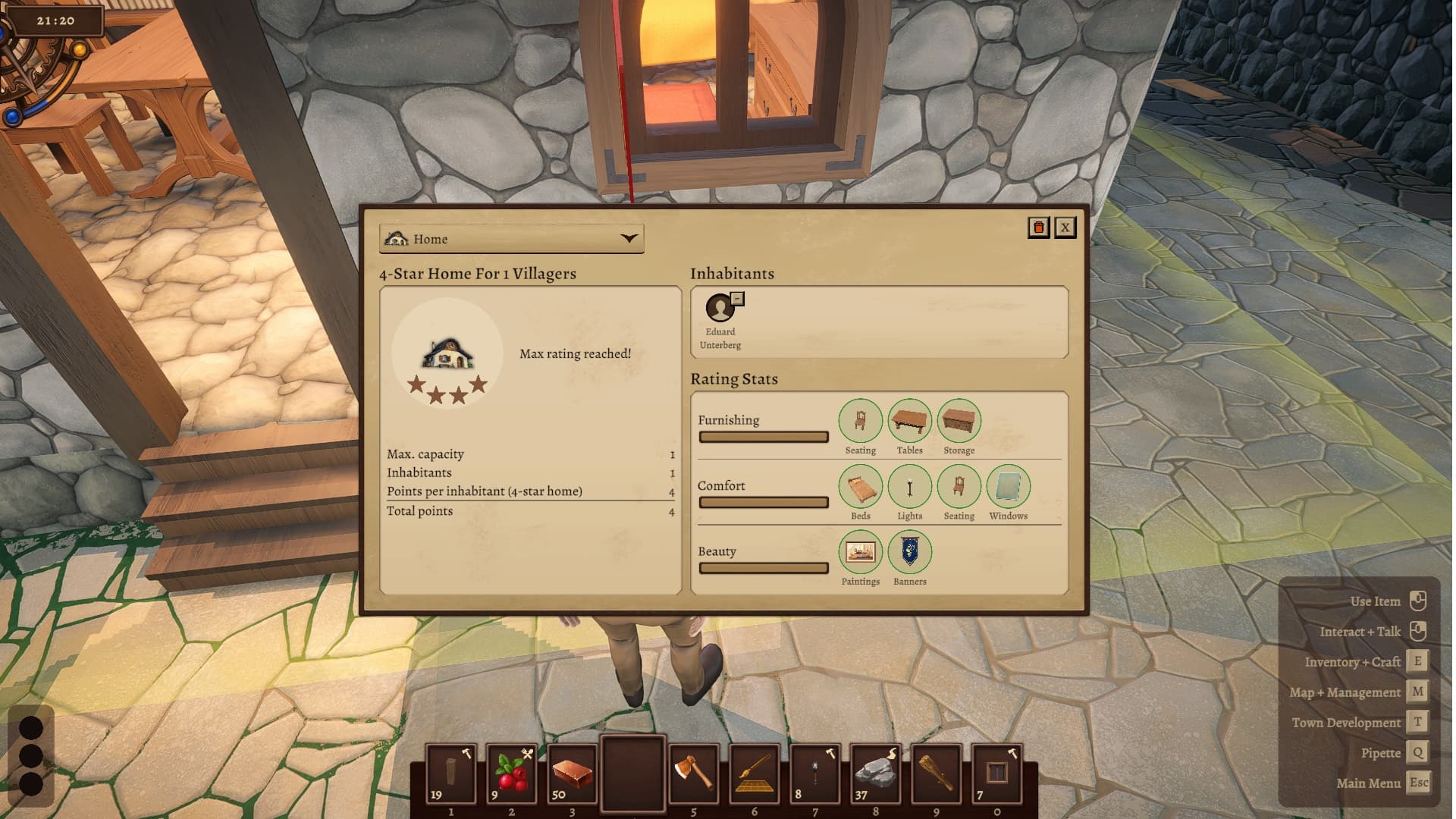
Upgrade House Stars
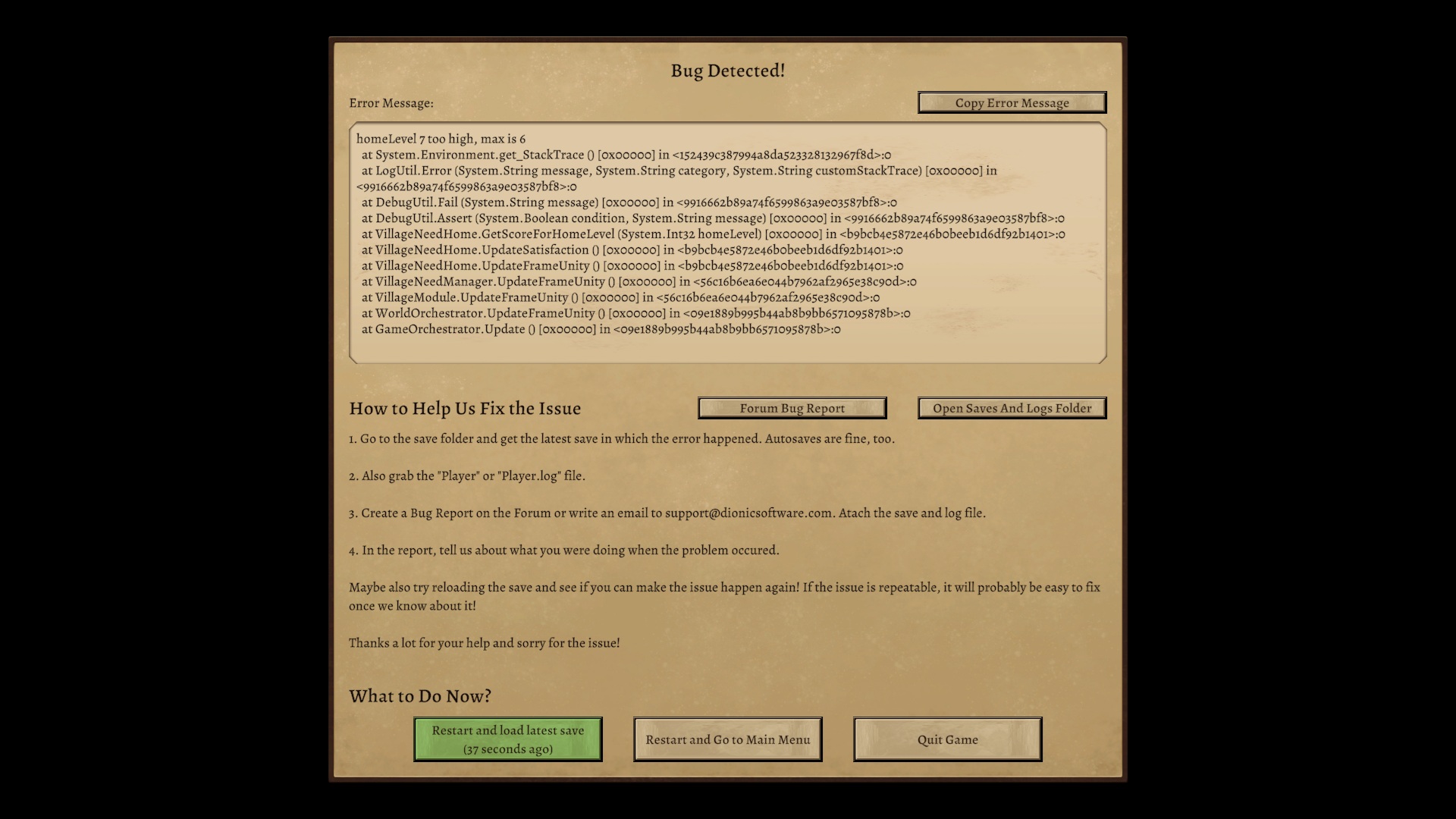
Click on House SignPlayer.log (7.1 KB)New Day - autosave-00001.zip (145.3 KB)
Can you reproduce the bug? Can you cause it to happen again?
You can access your save file through the load panel.How to Create a Bug Report
Daniel
November 21, 2025, 11:57am
2
Hey Mike, thanks for the report!
This seems like a very interesting issue, but unfortunately the save you provided is autosave-00001, the first autosave of your entire world.
Could you upload the latest one with this issue? According to the logs, that should be New Day - autosave-00677.zip.
You can get to the saves folder again by clicking the “folder” icon in the “Load Game” menu.
Did this happen in multiplayer or singleplayer?
Thanks a bunch!
Mike
November 21, 2025, 1:59pm
3
Daniel:
singleplayer
New Day - Save 16.zip (1.8 MB)
This was a singleplayer game.
1 Like
Daniel
November 21, 2025, 2:16pm
4
Thanks Mike, I see the issue.
A fix will be in Alpha 4.0.2, probably will be released early next week. Until then, unfortunately the only tip I have is not upgrading the homes to that level just yet.
Feel free to let me know if you have any other feedback or issues!
Daniel
November 25, 2025, 6:10pm
5
Hey @Mike , thanks again for the report.
The fix is out now:
I also noticed in your save that you were missing a “top-piece” for the thatched roof, so we added that as well.
Mike
November 25, 2025, 6:38pm
6
Stars now working in 4.0.2. Thank you also for the Thatched Roof Top
Mike